
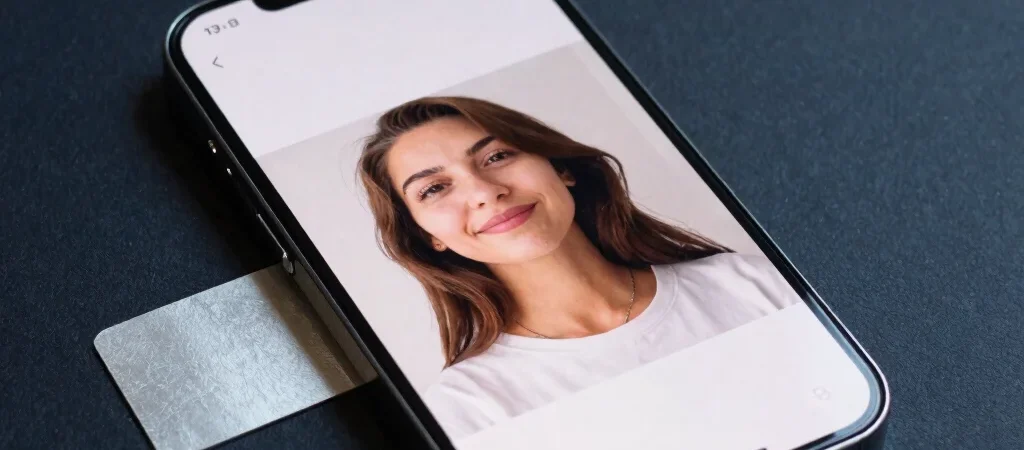
A phone camera can look convincing in a bright showroom and disappoint when you reach for it at a dim birthday dinner. The useful question is not simply how many megapixels it lists, but how consistently it captures the moments you care about. Here’s what to look for when comparing camera reviews and deciding which trade-offs you can live with.
Start With Your Real Photos
Think about the situations you photograph most: a pet moving across the living room, a landscape from a hike, or a quick portrait under office lighting. Low light, motion, and skin tones can reveal differences that a single sunny outdoor sample may hide. When reading a review, look for examples in conditions close to yours, not just the most polished shot.
Read Beyond The Megapixels
Resolution is one part of the picture; image processing also affects sharpness, contrast, and how a phone renders color. Zoom deserves a closer look, too: check whether a review distinguishes between a dedicated telephoto camera and a digitally enlarged image. A phone with several camera modes is not automatically the better fit if the results you need are inconsistent.
Check The Everyday Trade-Offs
Compare the main camera with the ultrawide and front cameras rather than assuming they perform alike. Notice whether the camera app makes it easy to switch lenses, focus quickly, and capture a moving subject without digging through settings. Before choosing, find review samples for your common use cases and decide which matters more to you: flexible framing, reliable low-light photos, or natural-looking color. Smart Reviews may earn a commission if you purchase through affiliate links.
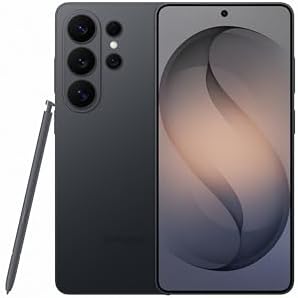
- PRIVACY DISPLAY: Automatically hide your screen from those beside you. The built-in privacy display can be preset¹ to tu…
- TYPE IT IN. TRANSFORM IT FAST: Enhance any shot in seconds on your smartphone by using Photo Assist² with Galaxy AI.³ Ad…
- NIGHTS, CAPTURED CLEARLY: From gigs to city lights, record and capture moments after dark with clarity using Nightograph…
- PRIVACY DISPLAY: Automatically hide your screen from those beside you. The built-in privacy display can be preset¹ to tu…
- TYPE IT IN. TRANSFORM IT FAST: Enhance any shot in seconds on your smartphone by using Photo Assist² with Galaxy AI.³ Ad…
- NIGHTS, CAPTURED CLEARLY: From gigs to city lights, record and capture moments after dark with clarity using Nightograph…